Learn How Evernotes Auto with Vanessa Delacruz blog

Vanessa Delacruz Nov 04, 2026

Looking for Learn How Evernotes Auto? Here It Is
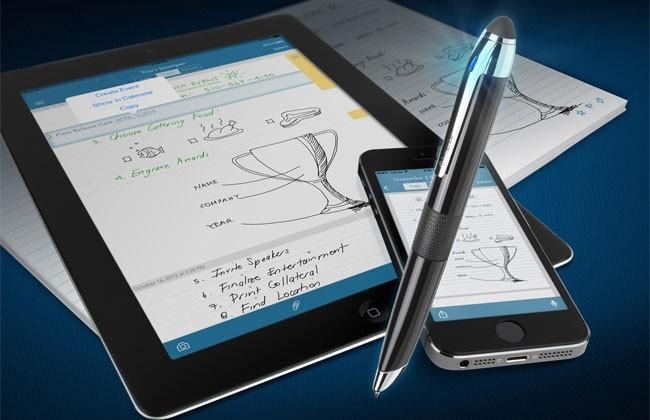
Livescribe 3 Adds Evernote Auto-Send For Handwritten Digital Notes

If you arrived here looking for Learn How Evernotes Auto, you are in the right place, shown here as a varied gallery of reference images.

How to Use Evernote – The Ultimate Beginner’s Guide

Text can only take your search so far, because one clear image can answer what paragraphs cannot.

A Visual Collection of Learn How Evernotes Auto

How to Auto View PDF in Main Note? - Evernote General Discussions ...

Every example image highlights a slightly different version of Learn How Evernotes Auto, which makes it easy to spot the differences between variations.

There is no need to rush past the pictures, and familiarity builds faster than you might expect.
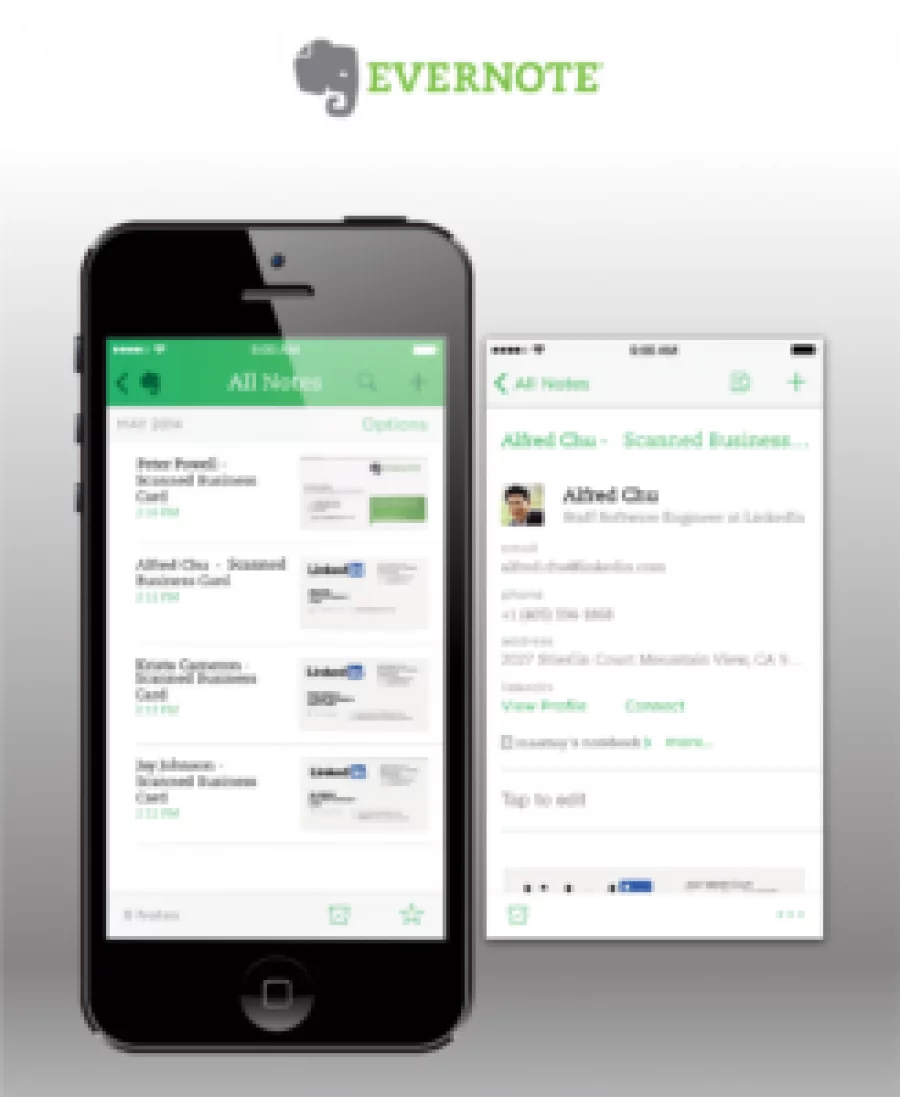
Get your learn on
Get your learn on

What These Pictures Explain

Think of each example as a visual definition, capturing exactly the kind of details people usually ask about.

Compare a few examples and observe what repeats, because consistent details are usually the essential ones.

Evernote Tutorial 2026: How To Use Evernote For Beginners (Step-By-Step ...

Different Variations, Different Styles

There is a surprising range of styles and interpretations here, some are simple and minimal, others are bold and detailed, so studying the range helps you identify which style suits you best.

Whenever a particular picture stands out, stop and study it, because that instinct usually points toward what you are really looking for.

Learn Auto-formatting in Evernote and increase your productivity - YouTube

Making the Most of the Gallery

The collection works best when you do something with it, such as saving the examples closest to what you need.

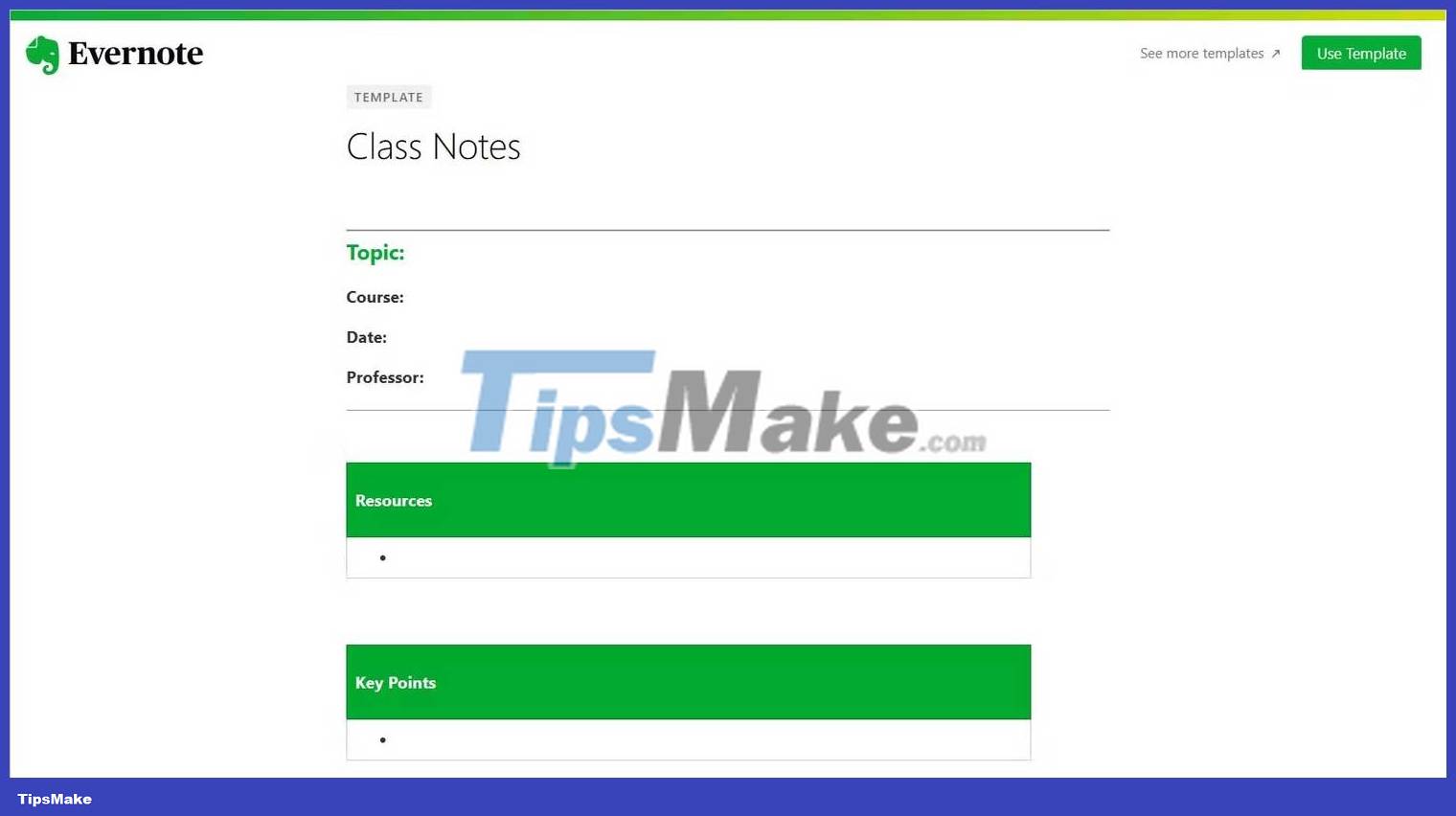
Using Evernote to Track Everything You Learn | Evernote, Small business ...
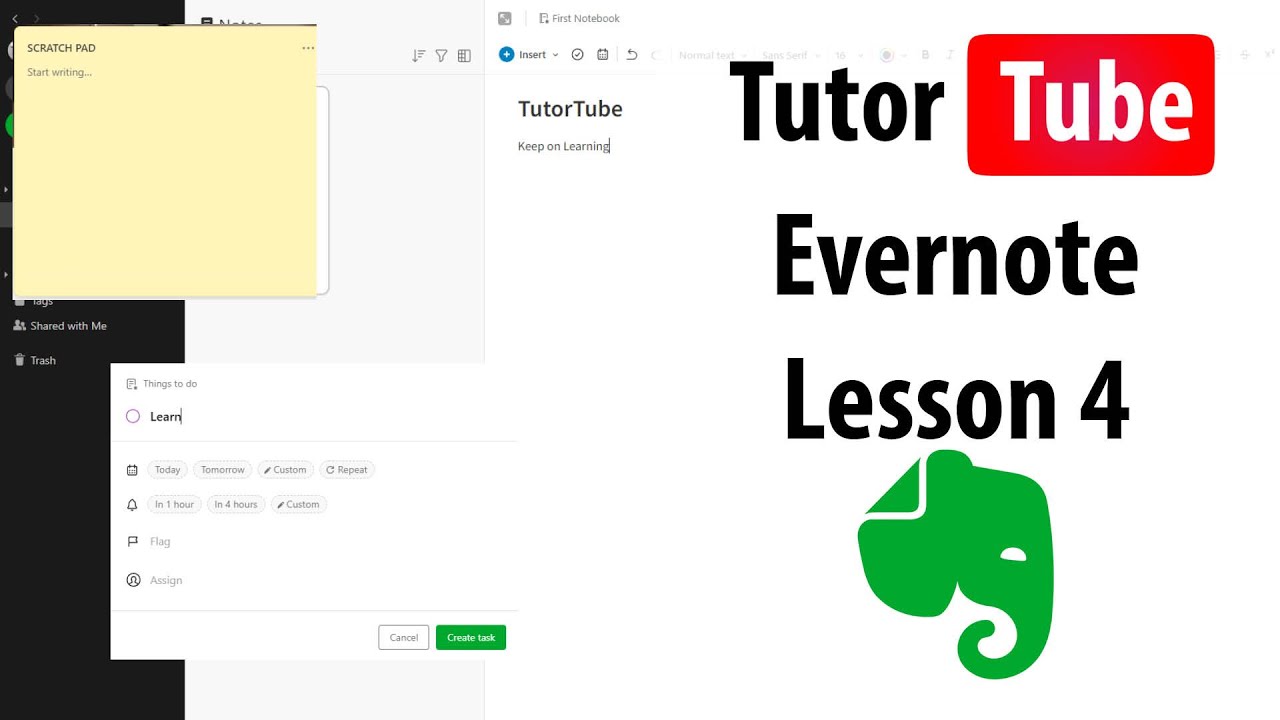
Evernote Tutorial - Lesson 4 - Creating New Notes - YouTube
36 Tips Every Evernote User Must Know | PCMag
How to Use Evernote Tutorial for Beginners (step-by-step) - YouTube
How To Use Evernote - The Unofficial Manual | PDF
Free Online Evernote Courses and Certifications 2026
1 Hour Guide to Mastering Evernote Learn How You Can Organize and Find ...
BEGINNERS GUIDE TO EVERNOTE Part 2 Creating Notes - Edu Lowcostlivin
Spaces, Stacks & Notebooks: What’s the difference and when to use them?
Evernote Tutorial Pdf , Manual Evernote para Windows – LBBJ
Quickly Find Exactly What You Need with Evernote
How to Turn On Auto Title Of Notes on Evernote - HardReset.info
How to Use Evernote: A Guide for Productivity in 2026
Learn Evernote | Resources & Training to Up-Level Your Skills
Evernote | PDF
Evernote | PDF
Evernote Tips and Tricks to Make You Massively Productive - Asian ...
Evernote Basics: Creating and Using Notes - YouTube
Top 10 Learning Apps for Students in 2024
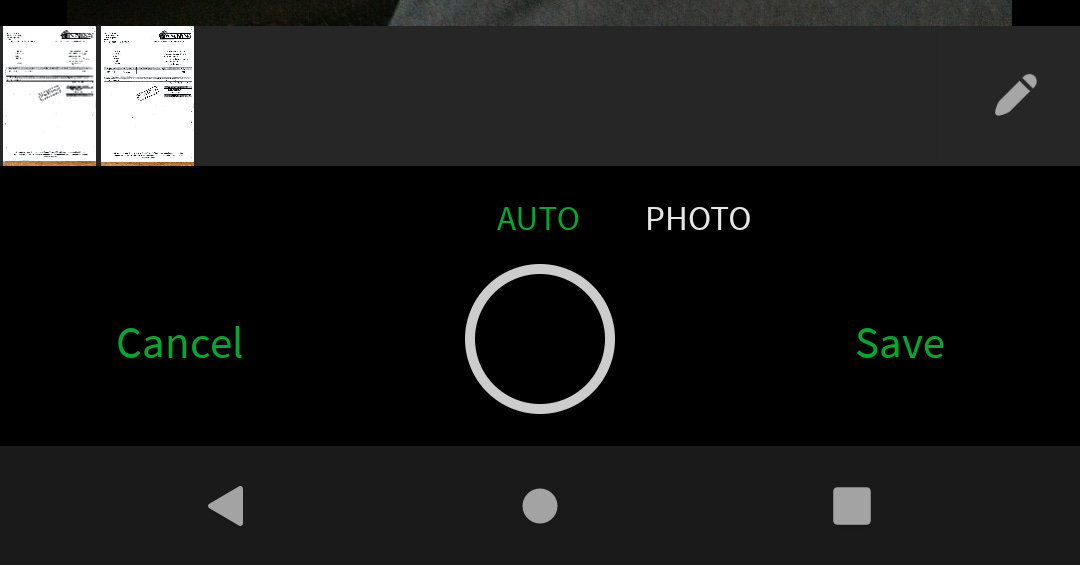
Capturing, managing and automating receipts & invoice collection using ...
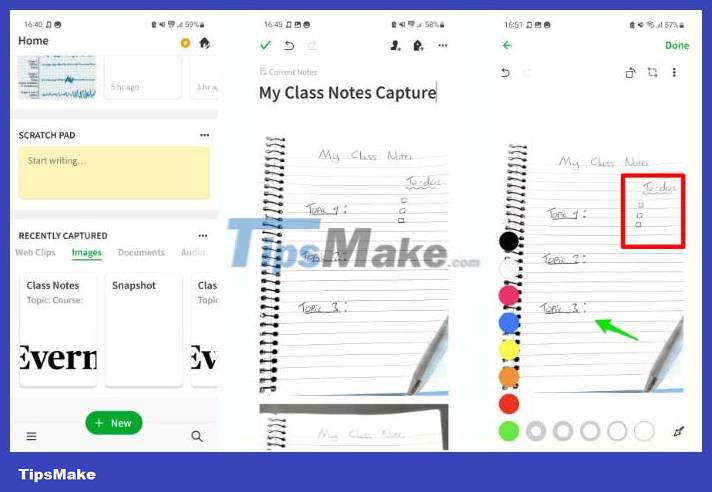
How to Use Evernote as a Learning Tool
How To Get Your Info Into Evernote Automatically
How to write in the car with Evernote - YouTube
How to Use Evernote in 15 Minutes - An Unofficial Step by Step Guide ...
How to Use Evernote in 15 Minutes –The Unofficial Step by Step Guide ...
How to Use Evernote: A Guide for Productivity in 2026
How to Turn Off Auto Title Of Notes on Evernote - HardReset.info
Learning how to use evernote - tragaseX
How to use Evernote as a learning tool

Sometimes the fastest way to communicate is to share the picture itself, and alignment happens in seconds instead of paragraphs.

What to Notice in Each Picture

Slow down and examine fewer images more carefully, noting the choices that give each example its character.

The pictures you look at longest often teach the most, so instead of racing through all the examples, study a handful properly.

Pictures Explain Faster Than Words

It is no accident that people search for images first, a real example eliminates the gap between description and reality.

That is why a varied collection like this is so effective, be it ideas, verification, or simply knowing what to call it.

Keep Exploring the Collection

Keep this gallery close for whenever the question resurfaces, since every revisit tends to surface details you missed.

The more examples you absorb, the sharper your eye becomes, and let the gallery keep doing what it does best.