How To Set Up G Router With Att with Vanessa Delacruz blog

Vanessa Delacruz Nov 04, 2026

You Searched for How To Set Up G Router With Att — Here It Is
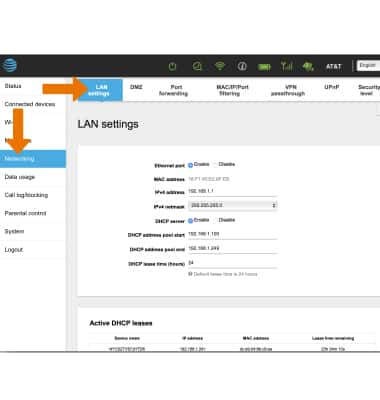
- Modem & Router Settings - AT&T

How To Set Up G Router With Att is what brought you here, and this page delivers it, presented through a broad set of image examples you can browse freely.

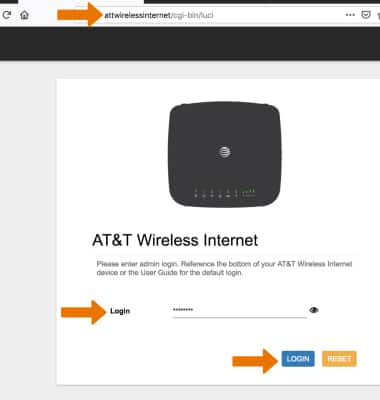
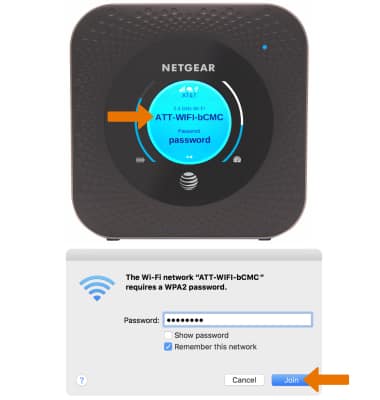
AT T 5G Mobile Router User Guide

Sometimes words are not enough to describe what you have in mind, and that is exactly why visual references work so well here.

How To Set Up G Router With Att in Actual Pictures

How to Use Your Own Router with AT&T Fiber? - PointerClicker.com

Each picture captures How To Set Up G Router With Att from a different angle or context, and you will quickly see how much variety exists.

Scroll slowly and let each image register, and familiarity builds faster than you might expect.
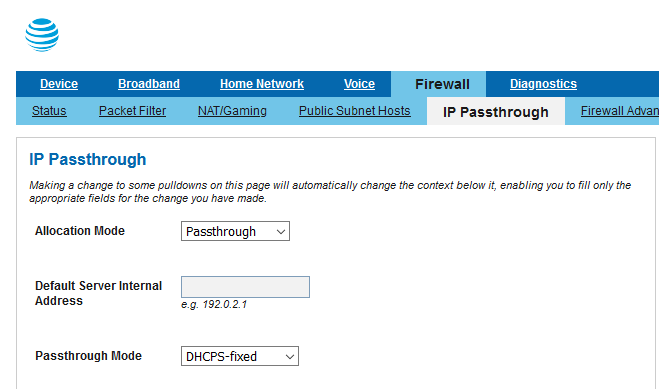
How to configure your AT&T modem for use with a 3rd party router – Sonic

What the Images Can Show You

A single picture can communicate shape, scale, style, and context at once, showing details that are hard to put into words.

Watch for the elements that appear again and again, since repetition across images signals what defines it.
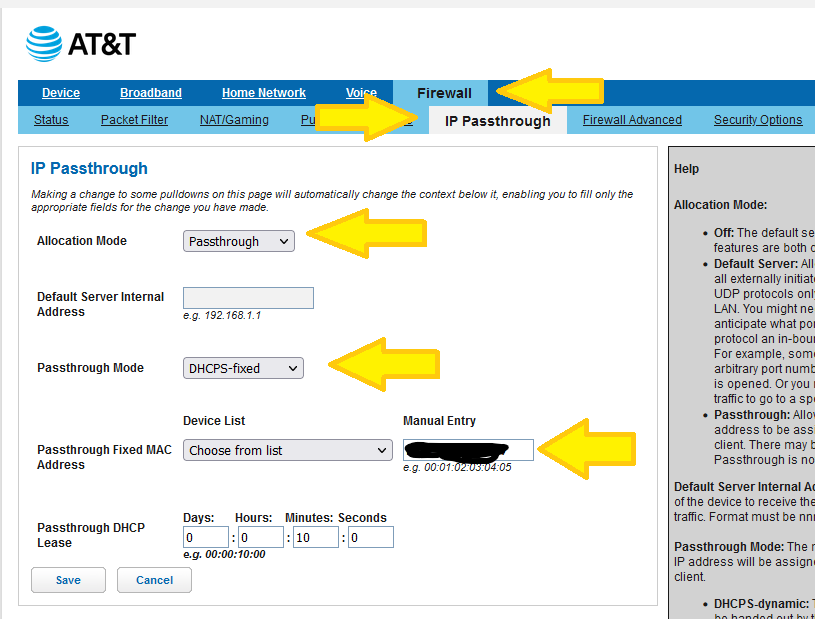
AT&T Fiber - Own Router - David Puplava

From One Style to Another

No two examples in the gallery look exactly the same, each one leans toward a slightly different taste, and seeing them together makes your own preference obvious.

Notice which image makes you stop scrolling, because that instinct usually points toward what you are really looking for.
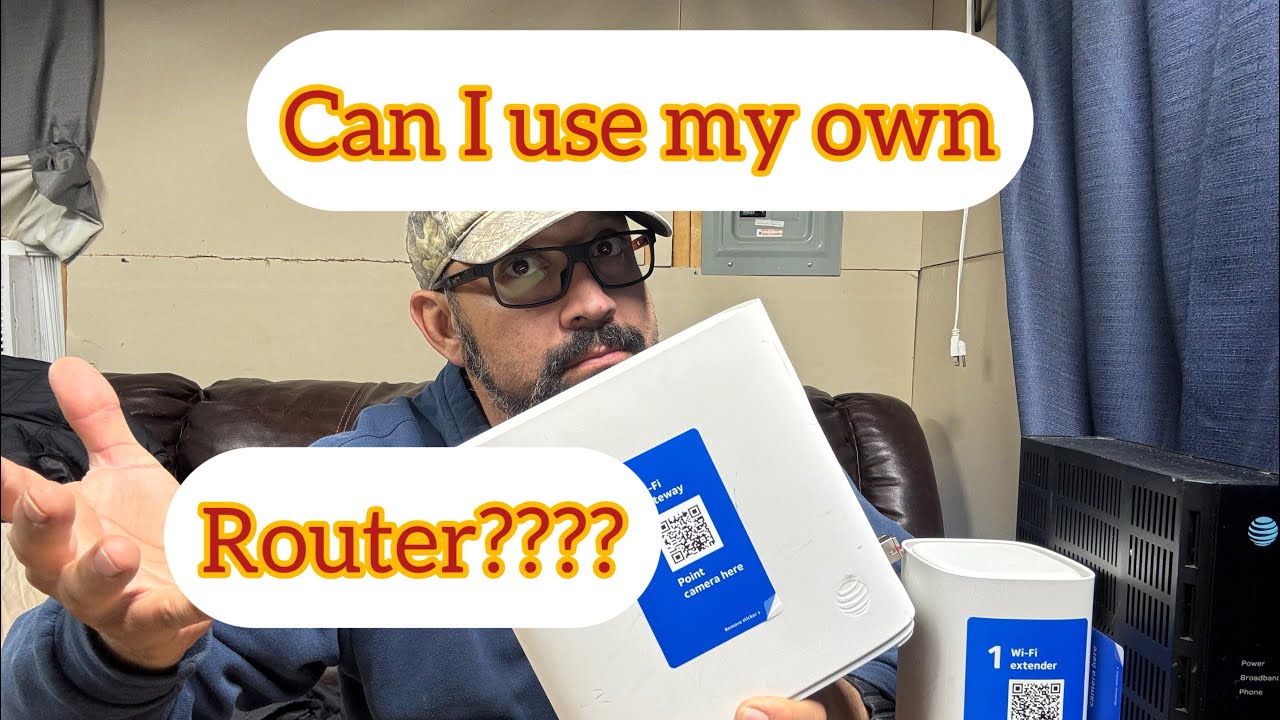
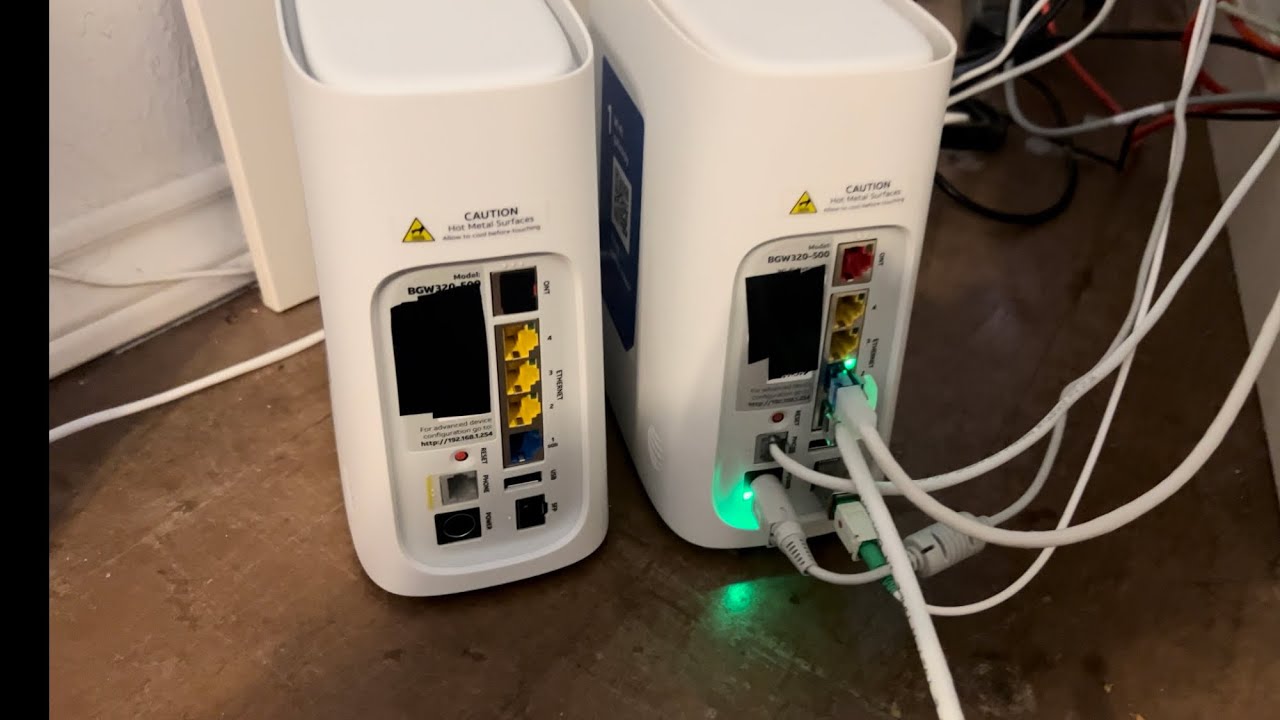
How to connect your own router to att and will it work? - YouTube

Turning Pictures Into Useful Reference

Every picture here can serve as a working reference, comparing your reaction across several examples.
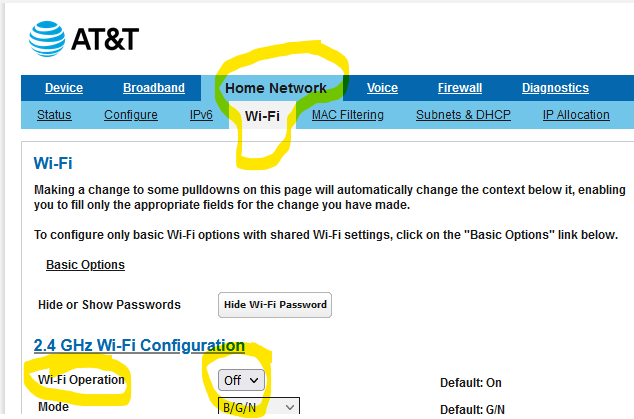
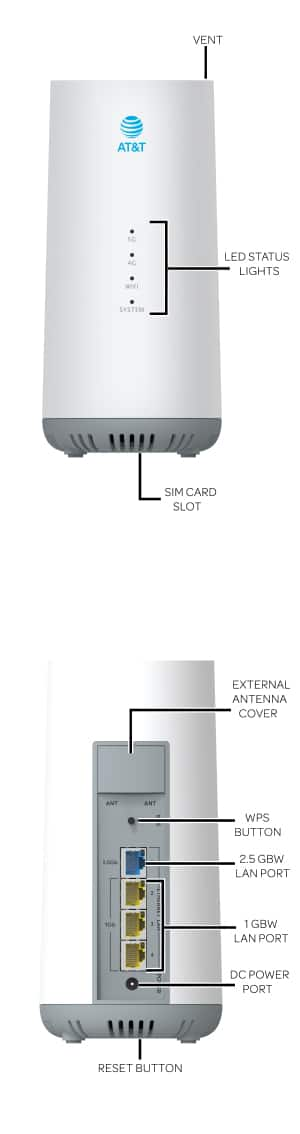
AT&T Fiber - Own Router - David Puplava
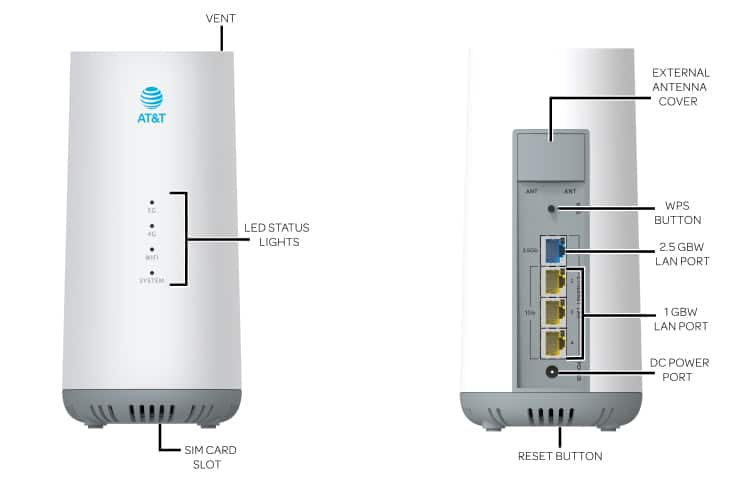
AT&T Internet Air for Business 5G Gateway Diagram - AT&T Device Support
Install AT&T internet – NVG589 - AT&T Business AT&T Internet Customer ...
Modem For At&T Fiber at Emma Spyer blog
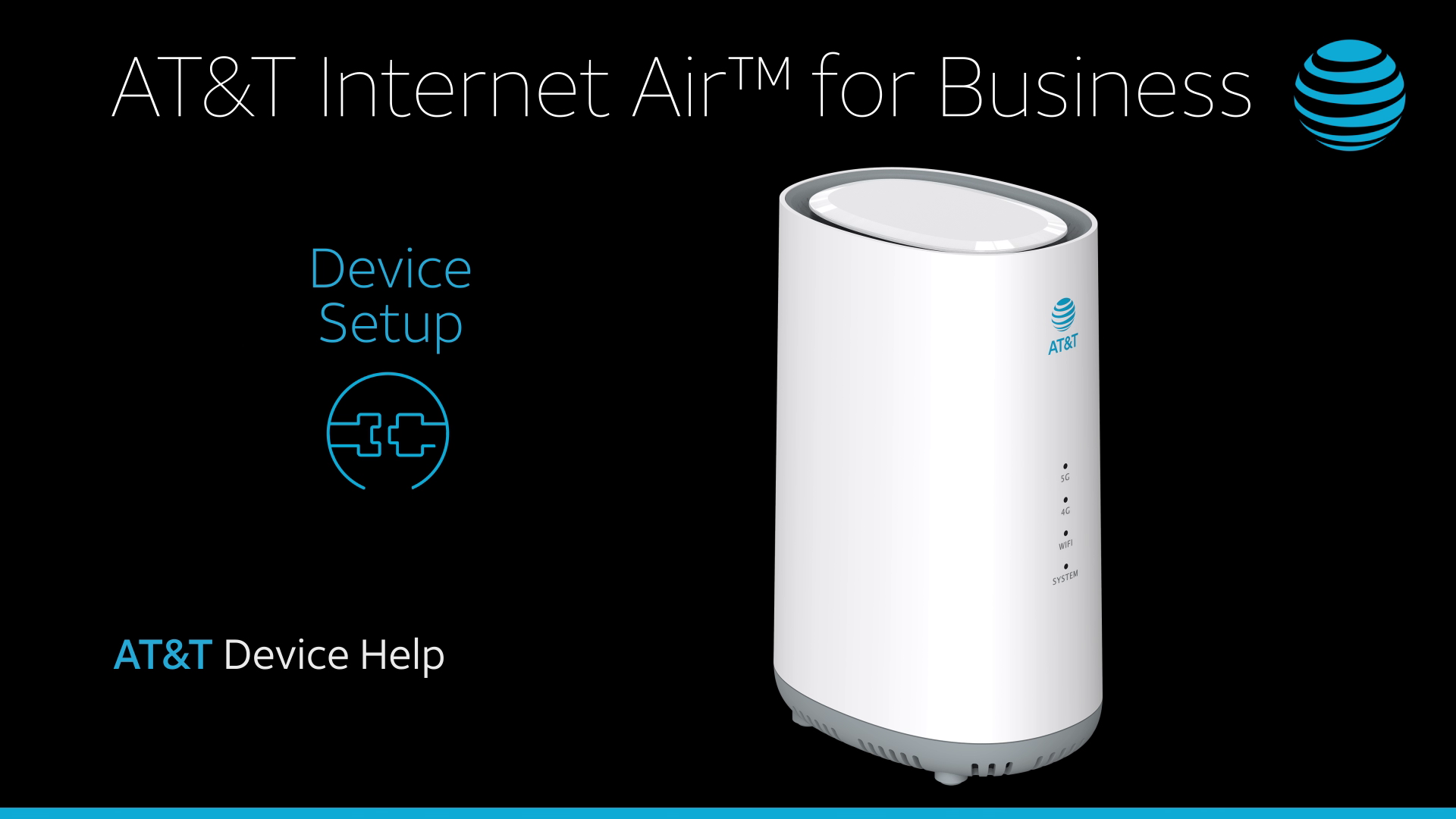
- Device Setup - AT&T
How To Setup a VPN on AT&T Router in USA [year]
How To Set Up At&T Internet Box at Gene Courtney blog
AT&T Internet Air for Business 5G Gateway Diagram - AT&T Device Support
How To Set Up A Wireless Router | Robots.net
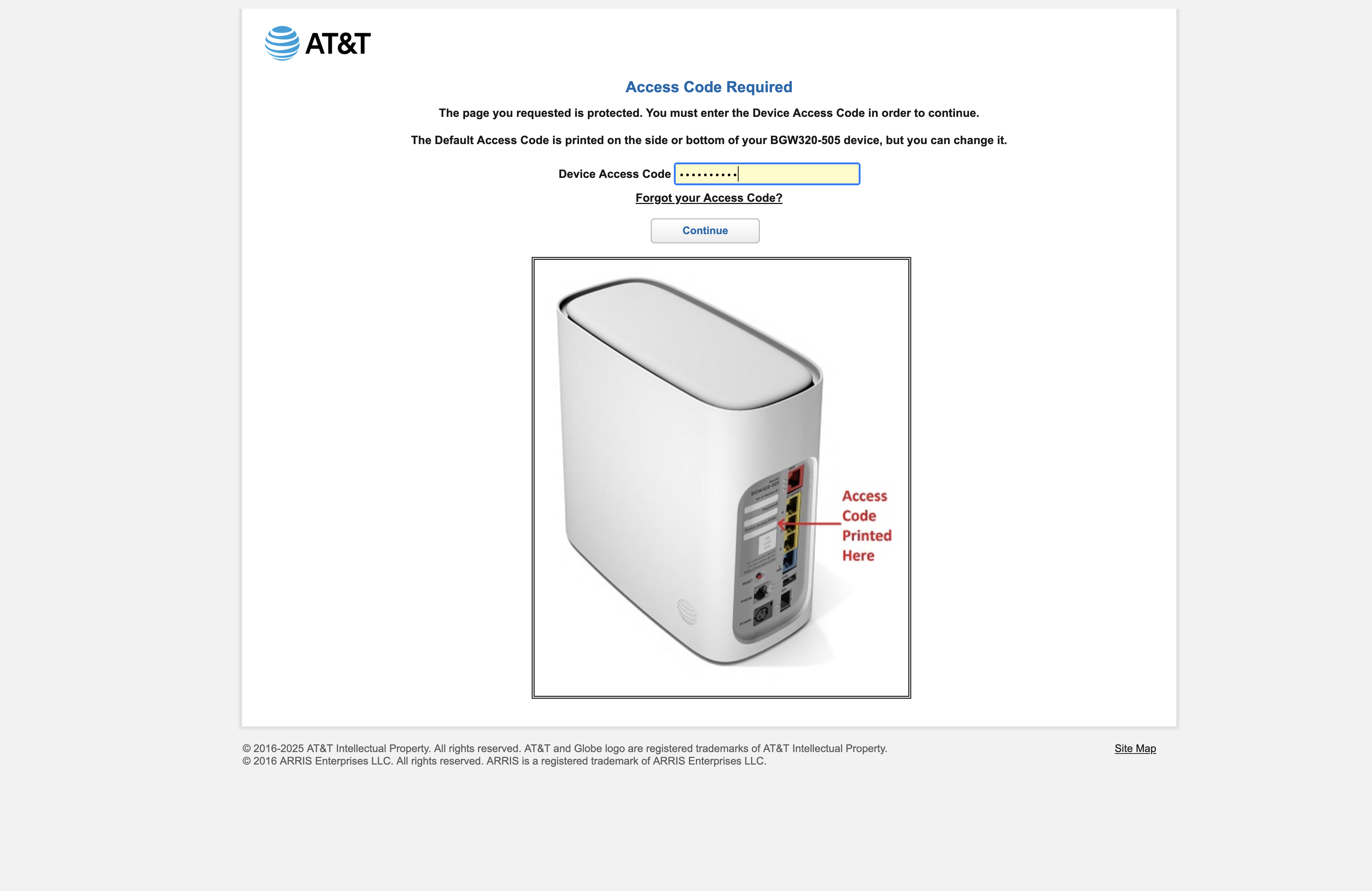
How to log in to AT&T router - PC Guide
How to Set Up a Router | CitizenSide
PPT - AT&T Router Login PowerPoint Presentation, free download - ID ...
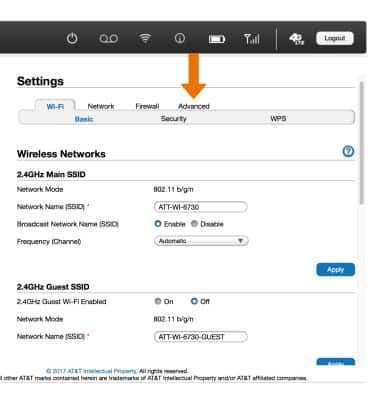
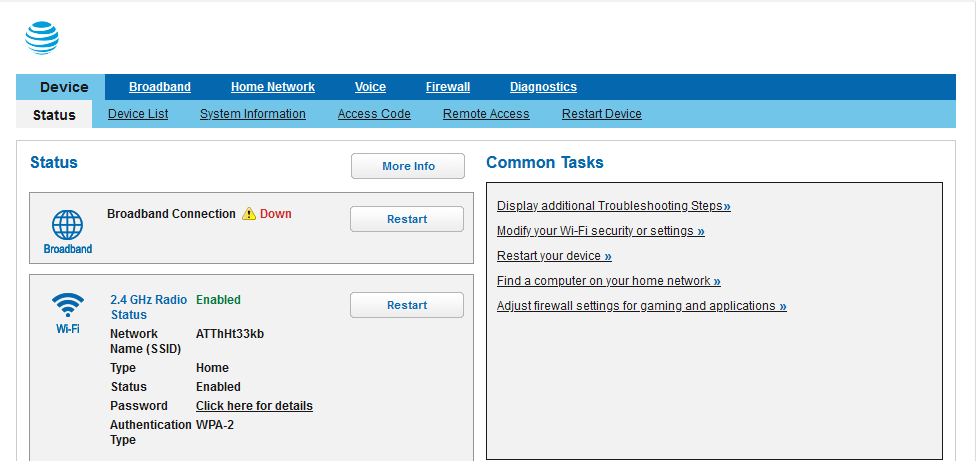
- Modem & Router Settings - AT&T
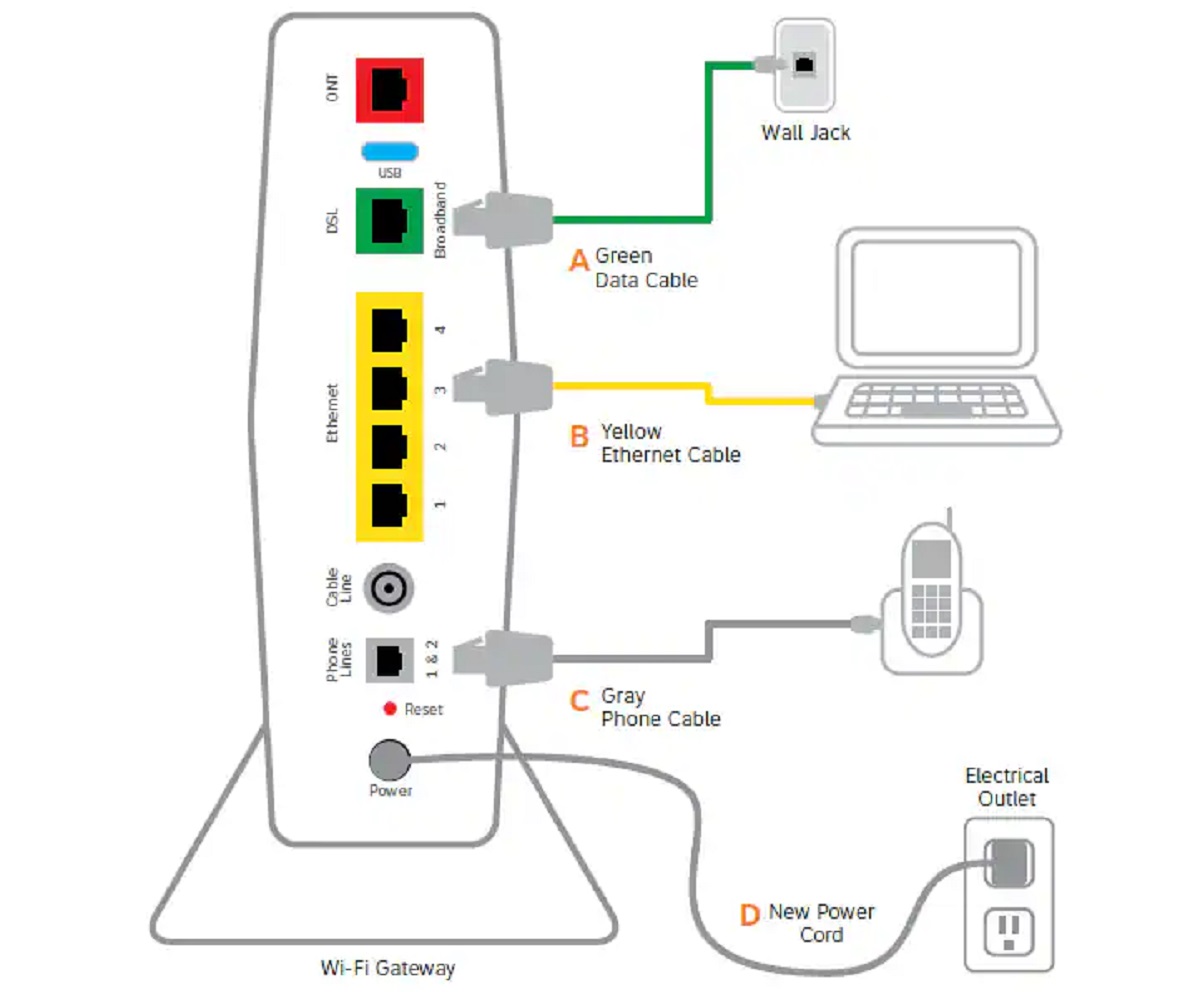
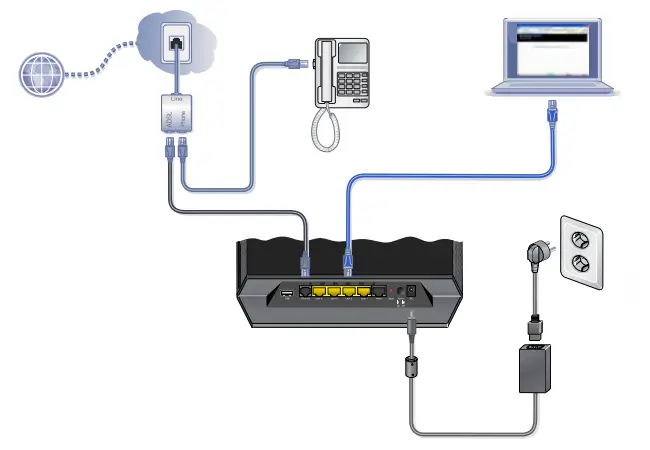
How to set up your ATT DSL Broadband Modem Router Internet WiFi Gateway ...
How To Set Up Att Wifi Gateway | Robots.net
AT&T Router Passthrough Mode Setup Guide - YouTube
How to use own router with AT&T Fiber - our guide for third-party ...
Connect Att Uverse Router – ‎remote access to router – FQRV
undefined undefined Device Help & How-To Guides - AT&T
Bgw 320 bgw210 5268ac gateway. AT&T fiber internet how to and set up ...
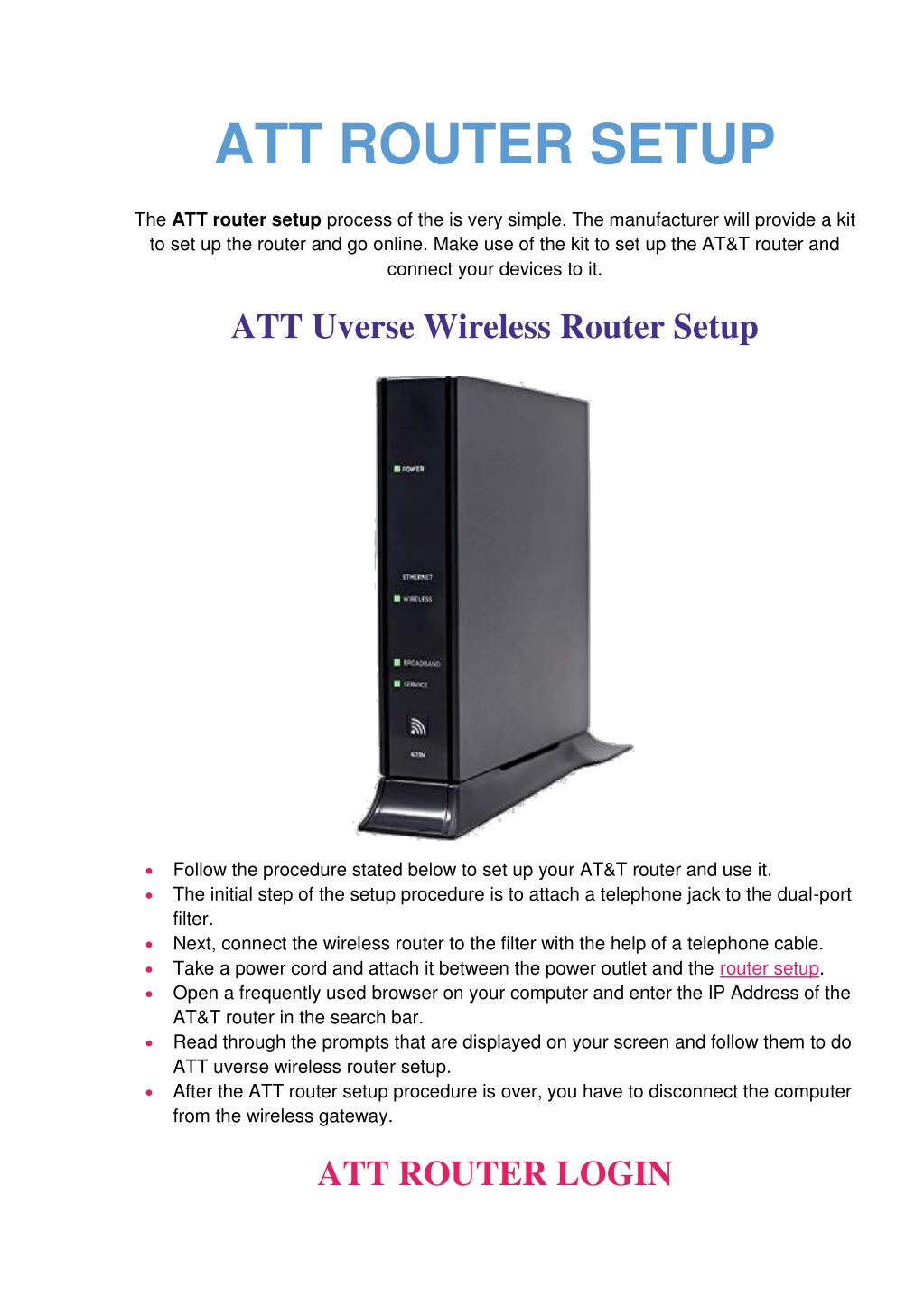
PPT - ATT Uverse Wireless Router Setup | Simple Steps PowerPoint ...
How to Use Own Router with AT&T Fiber - PC Guide
- Modem & Router Settings - AT&T
Does Netgear Nighthawk Work With AT&T? Step by Step (2023)
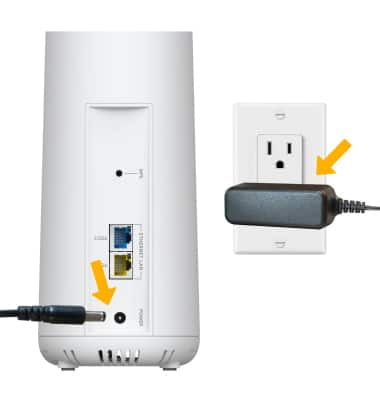
AT&T Internet Air for Business 5G Gateway - Device Assembly - AT&T
Warning AT&T U-verse TV Stop Working – RasterWeb!
How to configure your AT&T modem for use with a 3rd party router – Sonic
undefined undefined Device Help & How-To Guides - AT&T
AT&T Internet Air for Business 5G Gateway - Device Setup - AT&T

Sometimes the fastest way to communicate is to share the picture itself, because pointing to a real example replaces a long and error-prone description.

What to Notice in Each Picture

Every example rewards a second, closer look, paying attention to textures, proportions, colors, and how things are arranged.

The images you linger on will shape your understanding most, because a small set of well-understood images is worth a large pile of quick glances.

Seeing Is Understanding

Our preference for images is not a trend, it is how understanding works, a real example eliminates the gap between description and reality.

A broad image set answers questions before they are asked, so whatever brought you here, the images can carry you the rest of the way.

The Reference Is Here Whenever You Need It

You can return to this page of How To Set Up G Router With Att images anytime, since every revisit tends to surface details you missed.

Over time, you will notice details casual viewers miss, so scroll back up and give the collection another look.